Work / Client portal
Case study · PortalsClient portal.
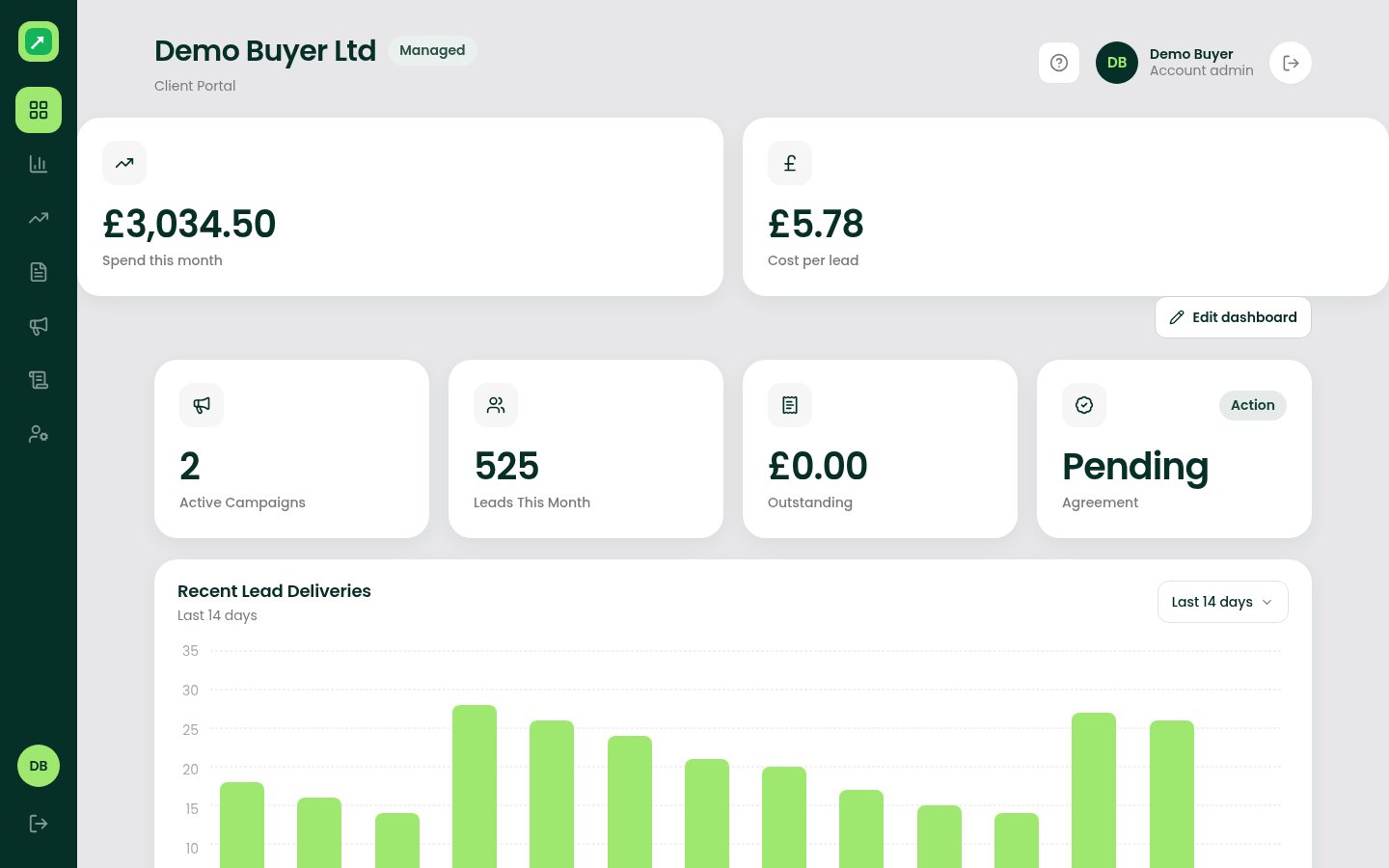
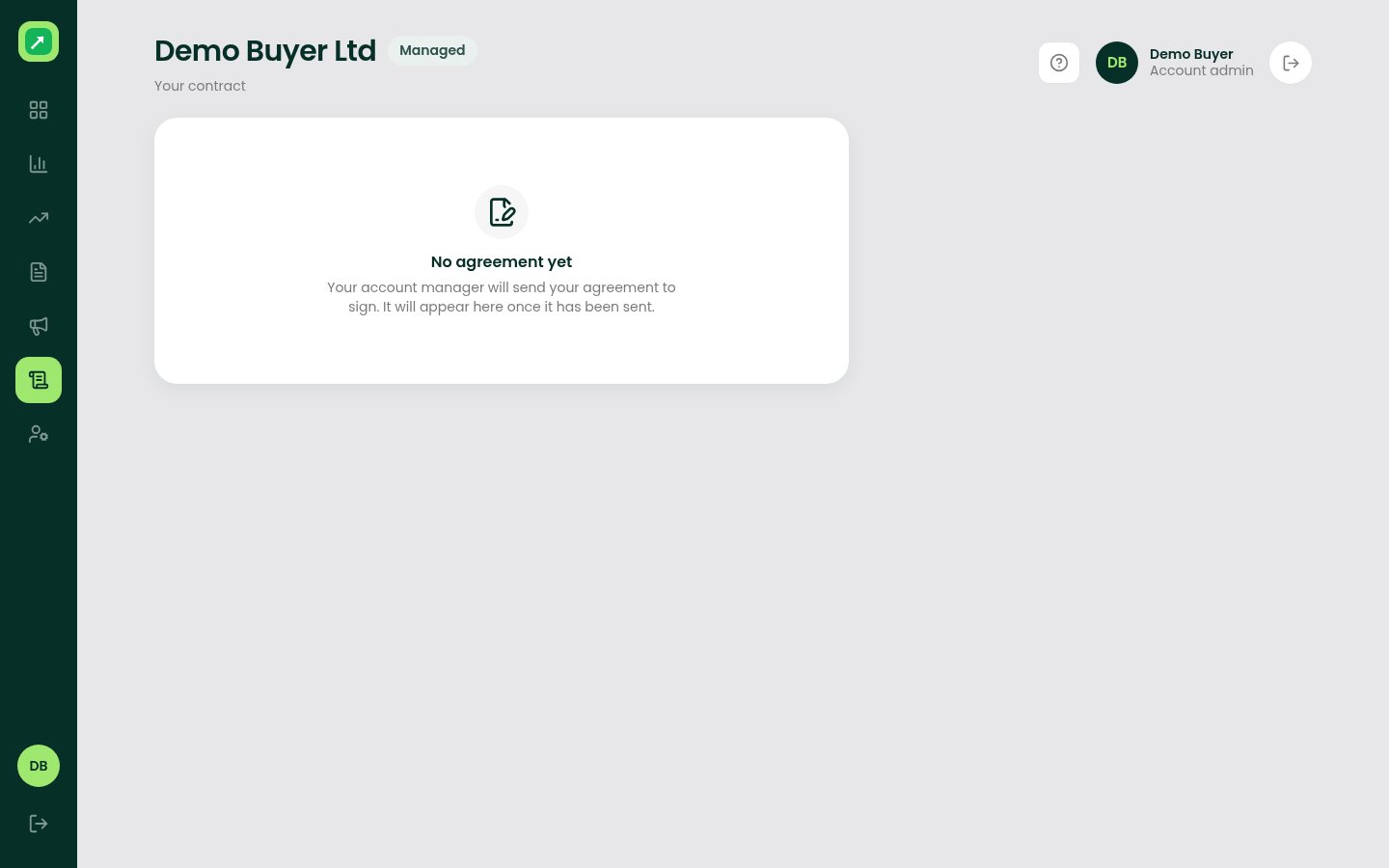
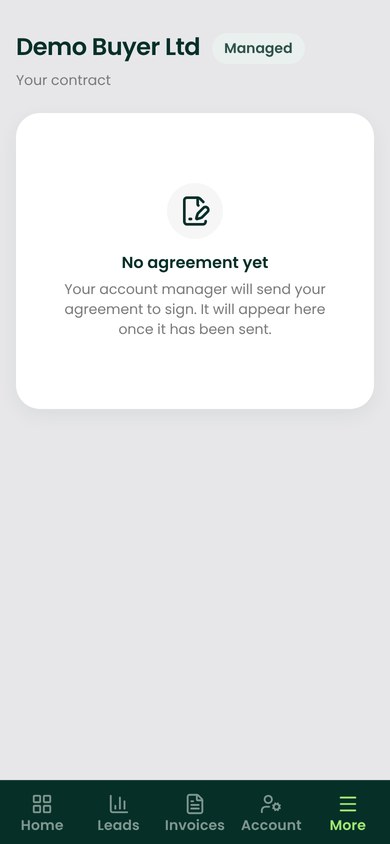
The side of the Stato platform that Lead Generation's clients log in to. Each buyer sees their own leads, spend, invoices, creatives and agreement, and nothing else.
What needed solving.
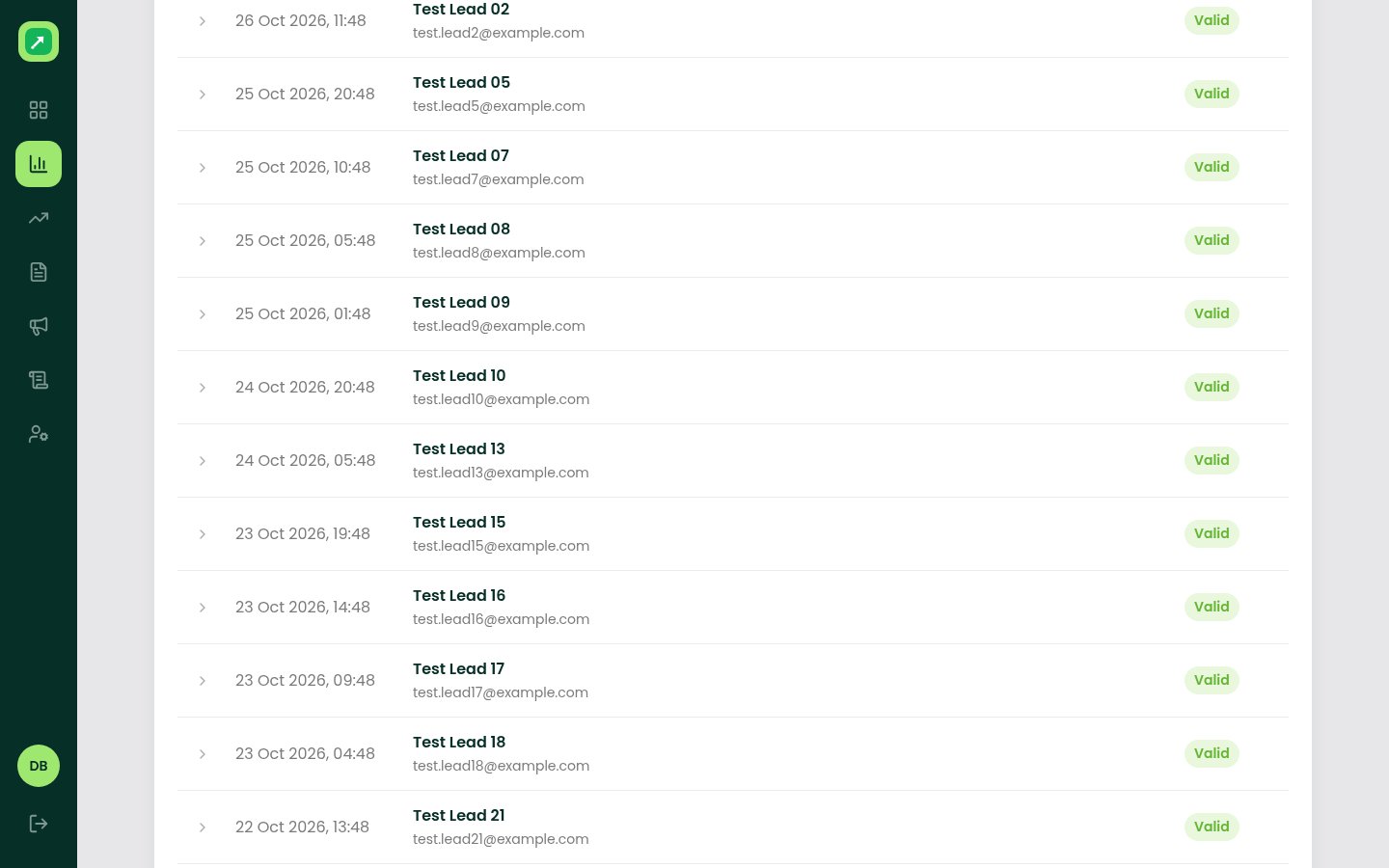
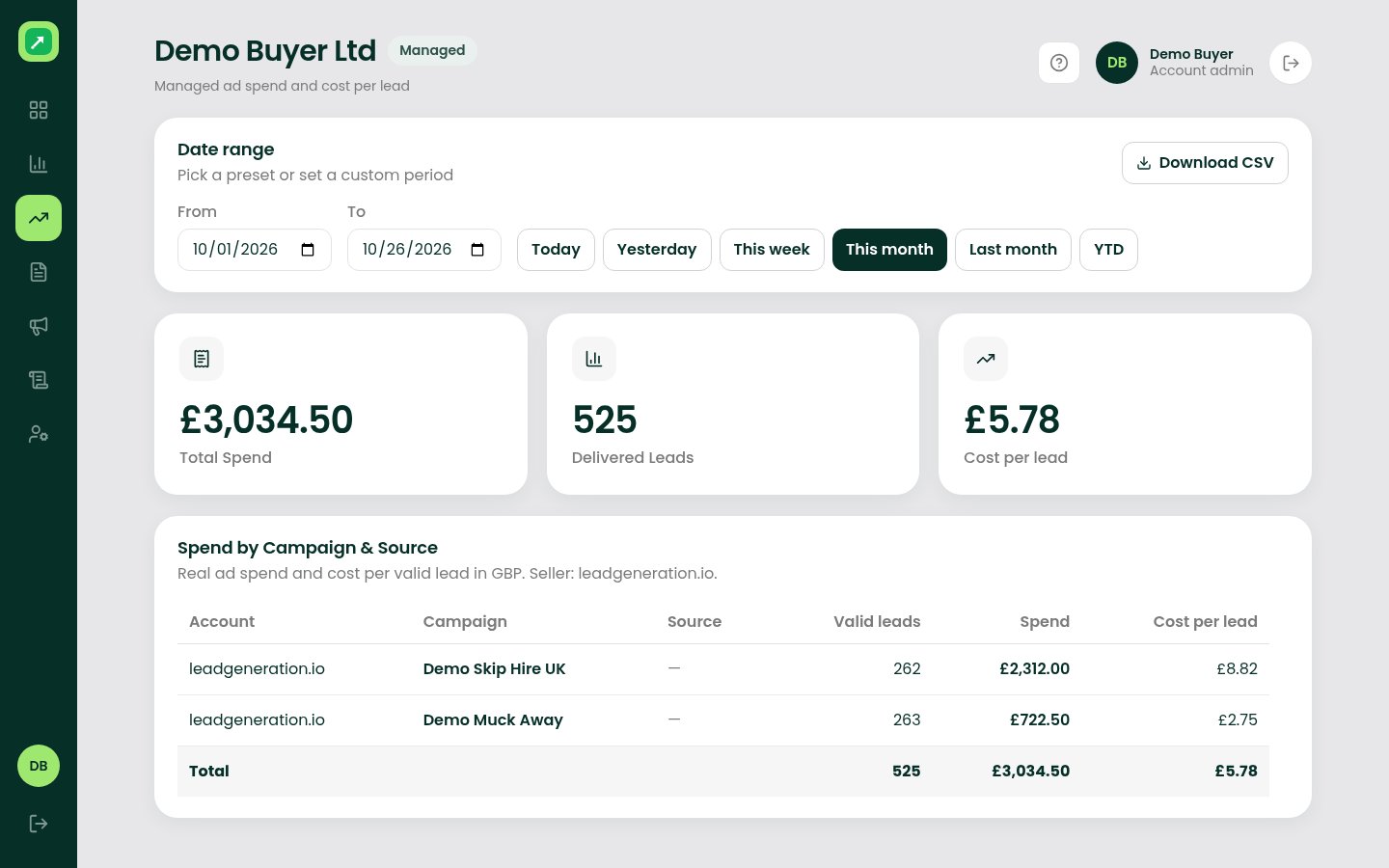
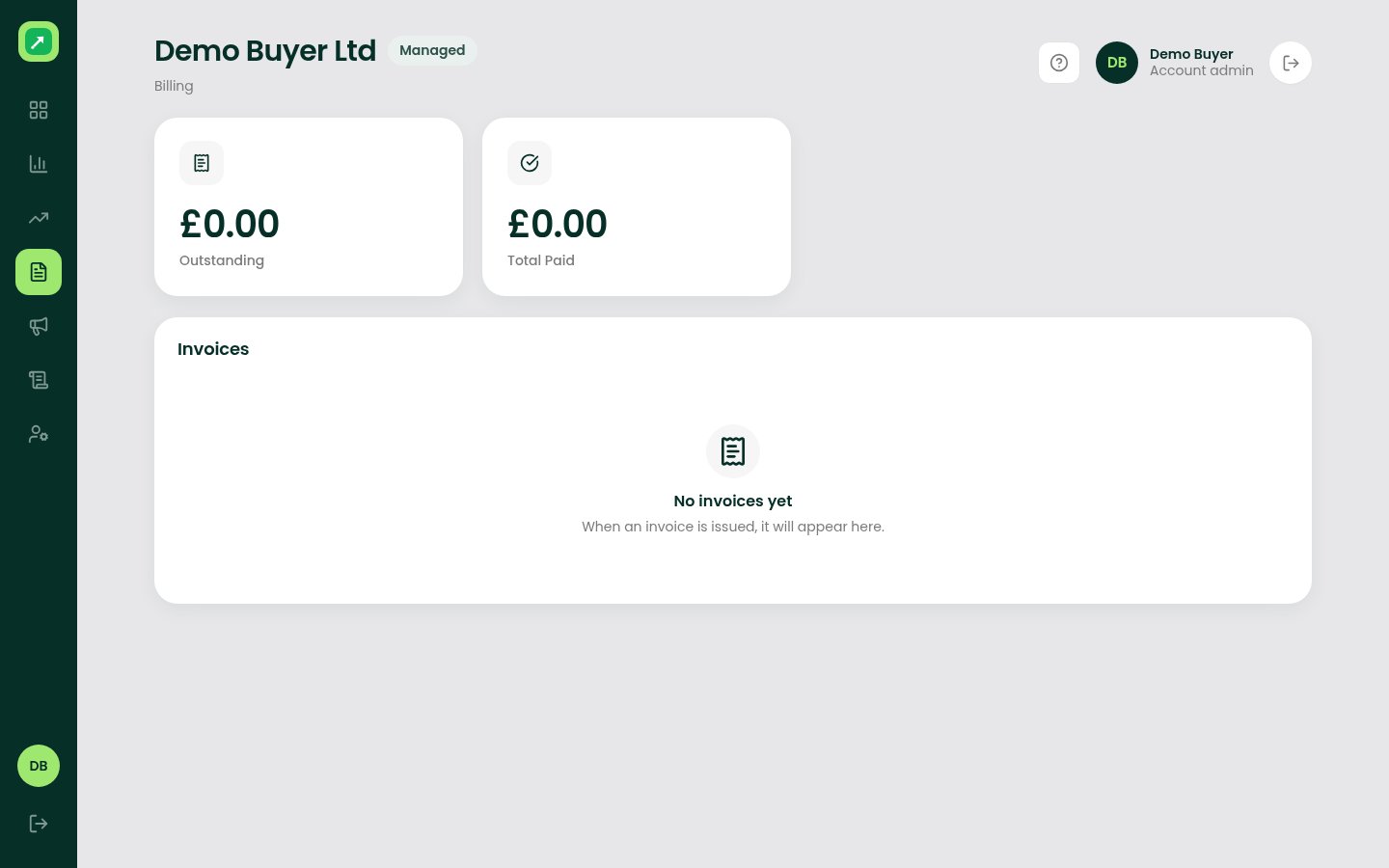
Buyers had to email to ask what had been delivered, what it cost and what was running for them. The client portal answers those questions itself, and lets buyers flag bad leads inside a set window.
- Buyer admins, who check deliveries, spend and invoices
- Their team members, with access set by the admin
- The Lead Generation team, who see the same data from the operations side
The software, screen by screen.
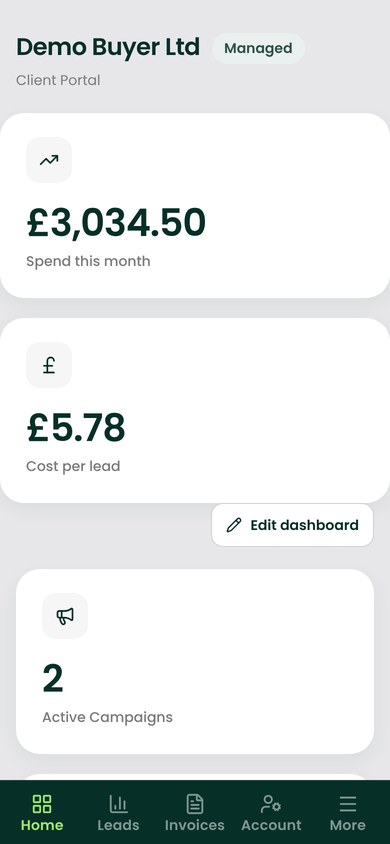
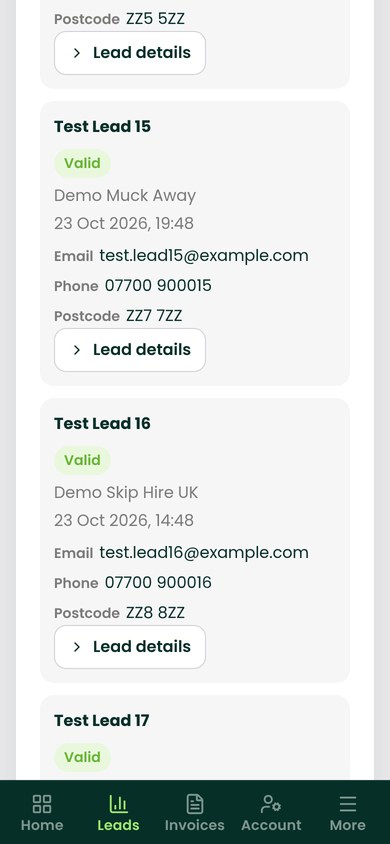
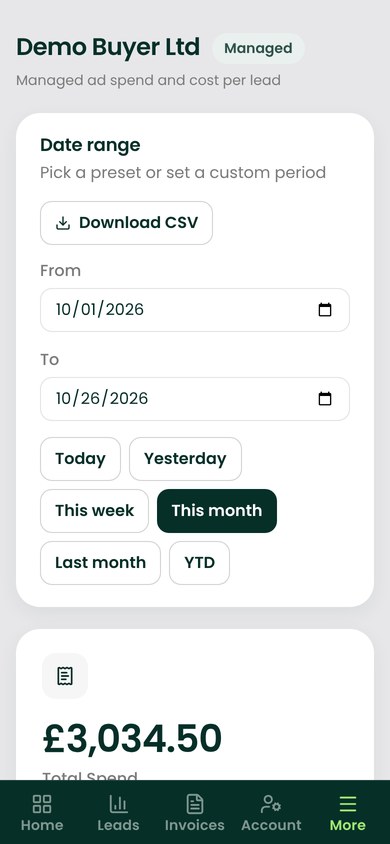
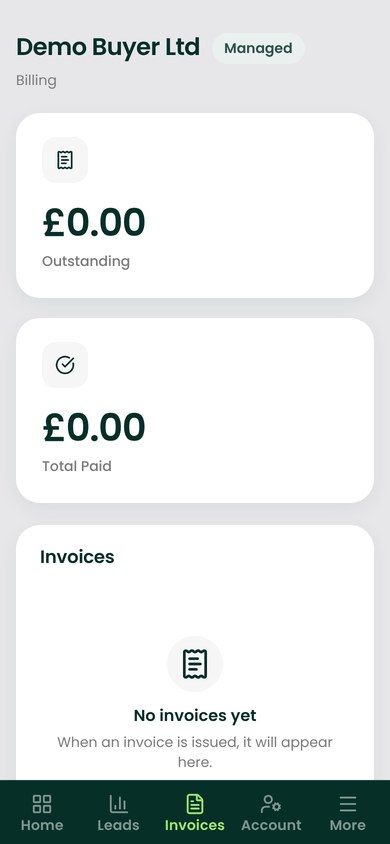
Every screen here is the real software, run on its own throwaway local database with made-up demo records (Demo Buyer Ltd, Demo Skips Ltd, Test Lead 01 and so on, example.com emails, ZZ postcodes and reserved 07700 900 test numbers). All outside services were blocked. Every figure is demo data, not a real price, spend or invoice.
Workflows, integrations and stack.
Workflows & automations
- Each buyer only ever sees their own records, enforced on the server
- Lead rejections go to the operations team to accept or decline
- Spend follows the buyer's billing model: managed spend, cost per lead or delivery price
- Staff can view the portal as a buyer, with every session logged
Integrations
- LeadByte (lead delivery)
- Xero (invoices)
- Resend (email)
Tech stack
- React 19, Vite and Tailwind CSS
- Express 5 REST API in TypeScript
- PostgreSQL with Drizzle ORM
How it was built and tested
- Built in reviewed pull requests
- Every change gets a UX check at 390px and 1440px in Chromium and WebKit, with synthetic test data
Outcomes
Results for this project will be published once the figures have been checked against our own data.
Leadform, the form builder
Got a project in mind?
Tell us what you need to run better. We'll come back with how we'd build it.